Menu bar app for Mac
Browser Flip
Change your Mac’s default web browser from the menu bar.
- macOS 13 or later
- Free

What it does
From the menu bar
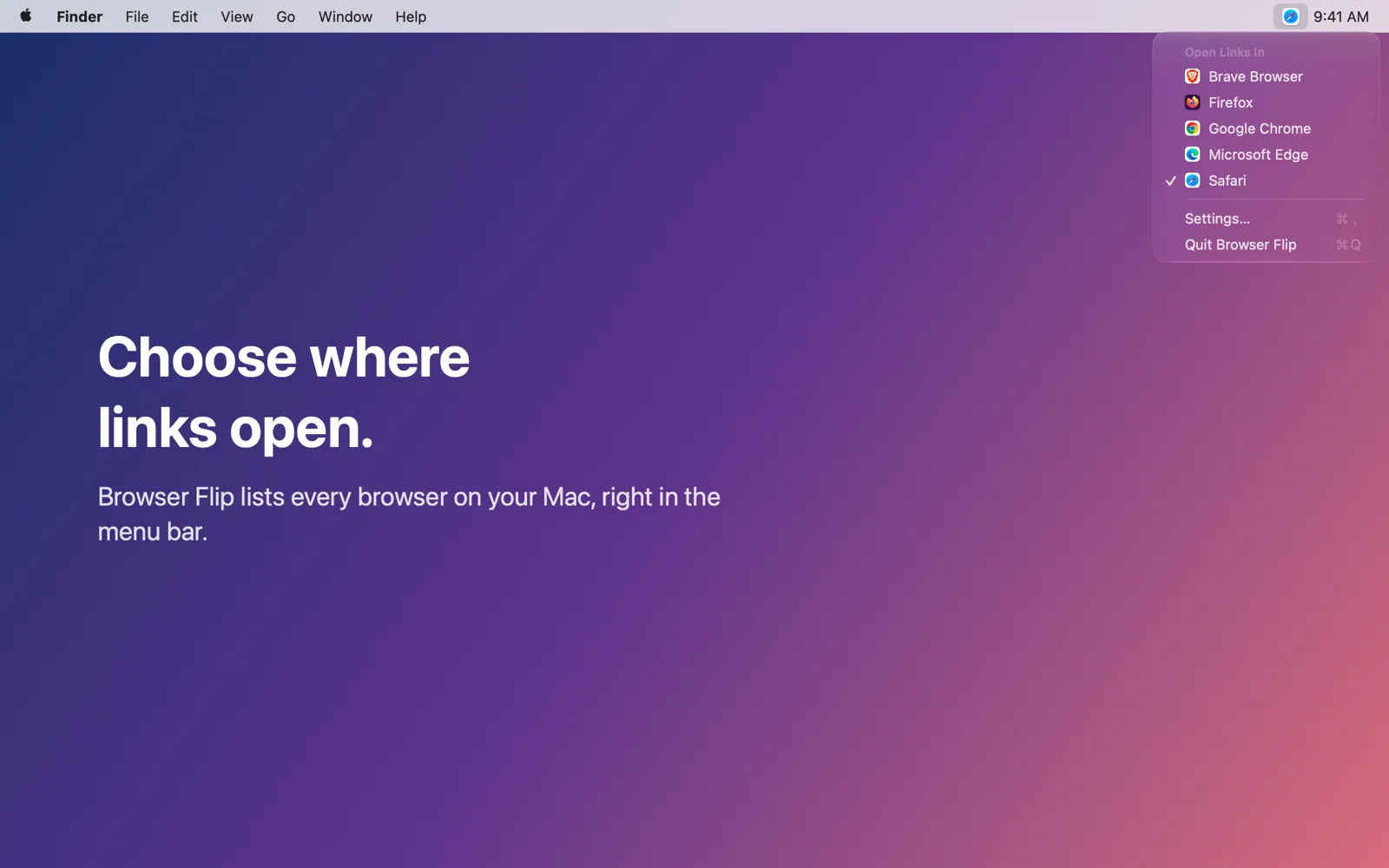
The menu bar icon shows the browser links open in, and the menu lists your installed browsers.
With a shortcut
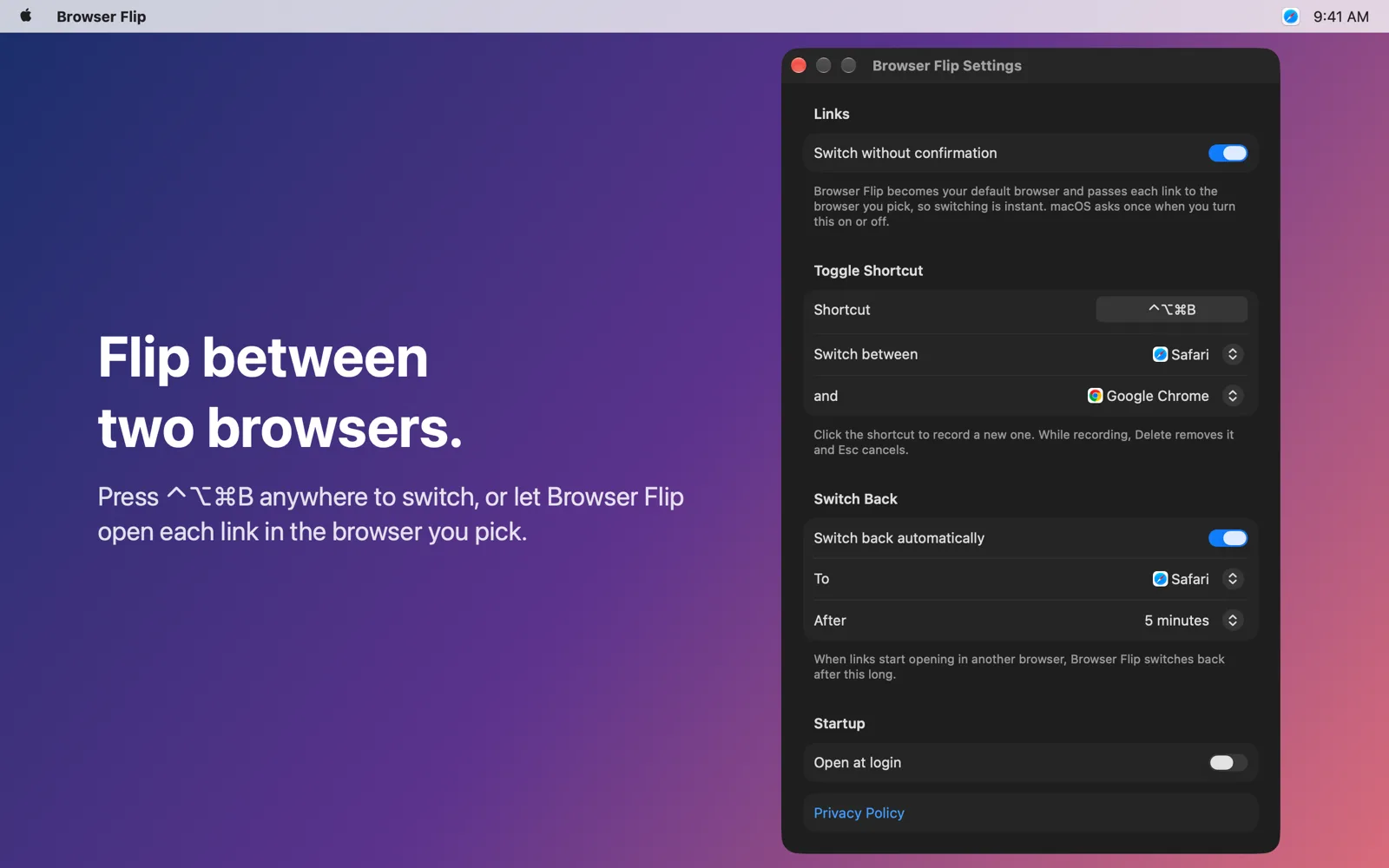
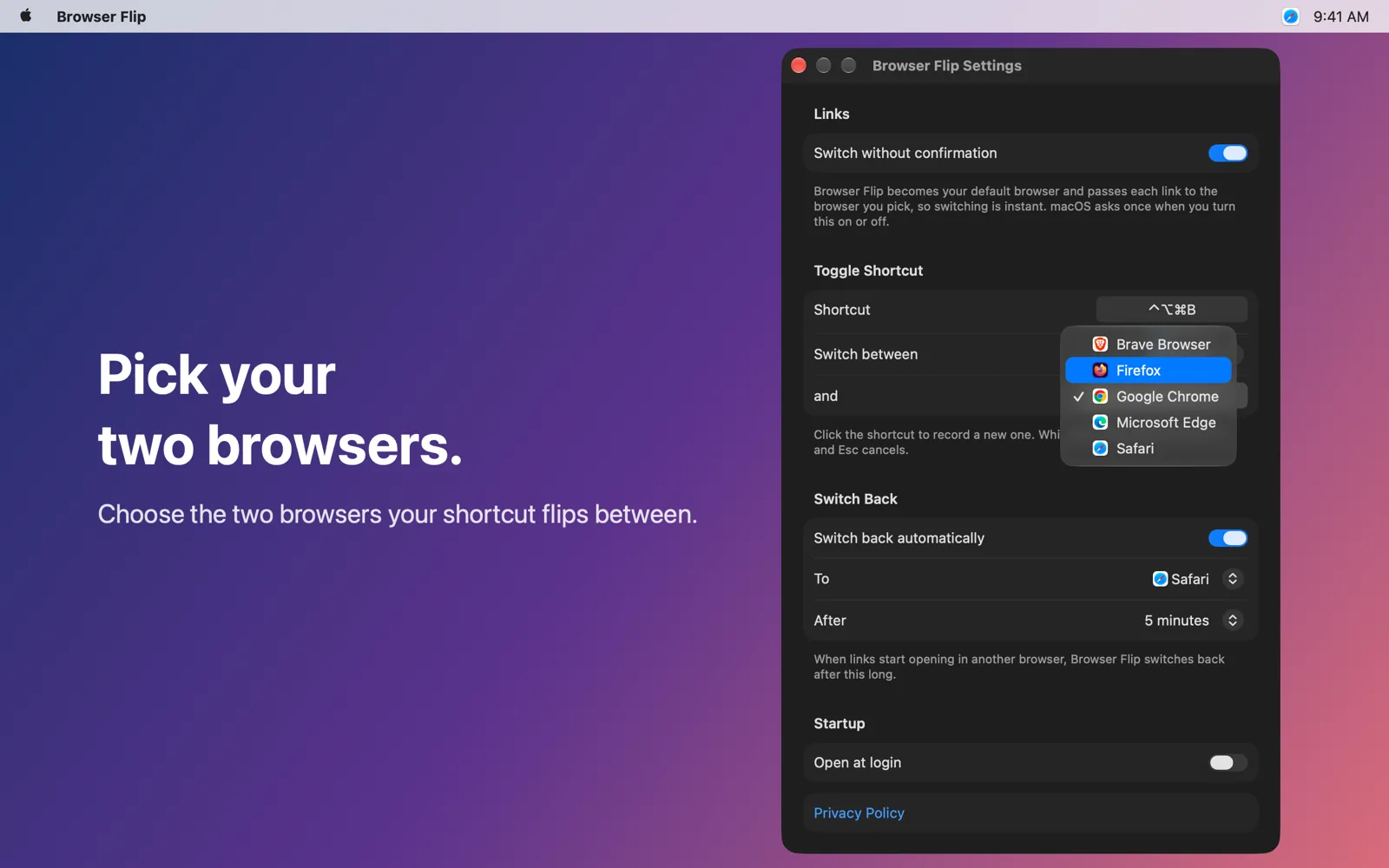
Press Control-Option-Command-B anywhere to toggle between two browsers you pick. Safari and Chrome by default.
Switch without confirmation
macOS asks you to confirm every default-browser change. Turn on “Switch without confirmation” in Settings and Browser Flip becomes your default browser and passes each link to the browser you pick, so switching is instant.
Turn it off before deleting the app so links go straight to a browser again.
Your way
Settings (Command-Comma from the menu) let you change the shortcut, choose the two browsers, and open the app at login.
Switch back automatically
Pick your main browser and a delay from 1 minute to 1 hour. When you flip to another browser, Browser Flip switches back once the time is up.
Support
Questions, problems, or ideas? Email support@facetedthought.com.
Privacy Policy
Effective October 17, 2026
Browser Flip doesn’t collect, store, or share any personal information.
- No accounts, analytics, advertising, or tracking.
- The app makes no network connections. It runs in Apple’s App Sandbox without network access.
- Your settings (the two browsers, the shortcut, the switch-back browser and delay, and the browser links open in) are stored only on your Mac, inside the app’s sandbox container. Deleting the app deletes them.
- With “Switch without confirmation” on, macOS hands each link you open to Browser Flip, which passes it straight to the browser you chose. Links are never recorded, logged, or sent anywhere.
Questions? Email support@facetedthought.com.